How to Showcase Live Performances Effectively on a Website
Showcasing live performances effectively on your website comes down to three things: high-quality video, clear presentation, and making it easy for visitors to watch and share.
These live performances are some of your most engaging content, so presenting them well can strengthen your audience connection. With the right approach, you can build credibility, attract new audiences, and turn casual visitors into dedicated fans (all without needing any technical expertise).
In this guide, we’ll show you how you can use specific techniques to achieve that and get more value from your performance footage.
First, we’ll explain how live performance content adds value to your site.
Why Live Performance Content Is Valuable for Your Website

Live performance content builds trust more quickly than almost any other medium because it showcases audiences the genuine, unfiltered talent behind your brand. Wyzowl’s 2026 Video Marketing Statistics show that 84% of consumers want to see more video content from brands. And among different types of videos, live and authentic content is seen as one of the most trusted formats.
For example, picture a guitarist appearing in a Google search for “acoustic performers near me.” When a visitor clicks through and they’ll immediately see a live performance video right on the homepage.
So within thirty seconds, they heard the tone quality, watched the stage presence, and felt the audience energy (all without reading any text). That immediacy can convert casual browsers into booking inquiries because there’s nothing left to wonder about.
Also, studio albums can hide mistakes and editing choices, but live performances show how you handle tempo changes, interact with crowds, and deliver under pressure. Venues and event planners specifically look for this proof before committing to contracts.
Choosing the Right Format for Your Performance Videos
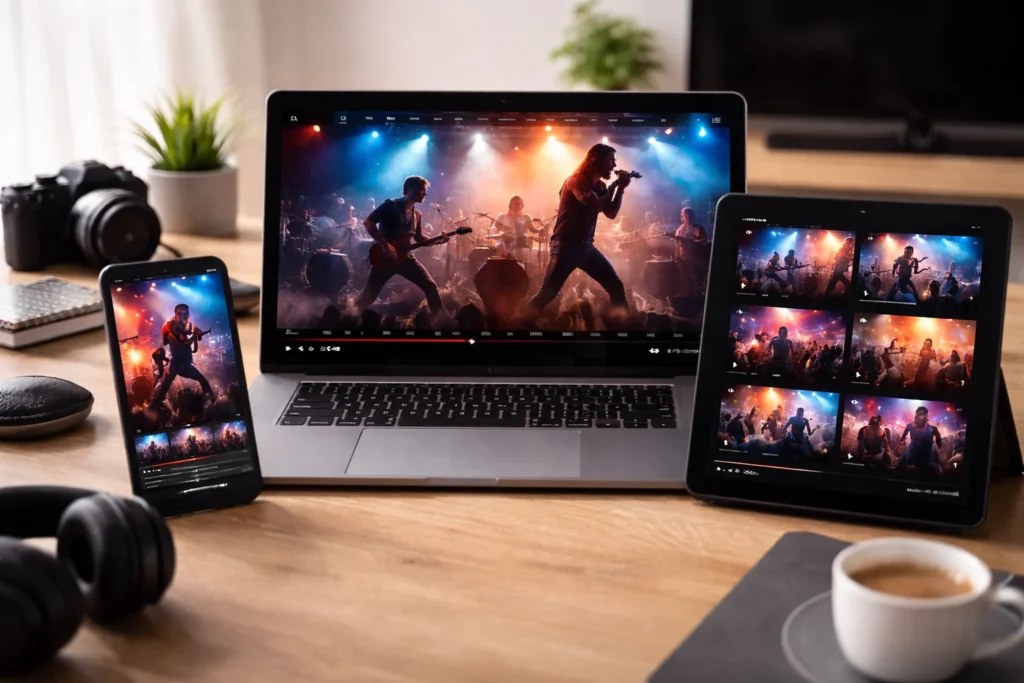
The right format for your performance videos will depend on your audience’s viewing habits, bandwidth limitations, and whether you need full-length recordings or highlight reels.
Mobile users with limited data will also need compressed MP4 files under 100MB, while desktop users with fast connections can watch 4K videos without buffering.
If you’re targeting venue bookers or festival organisers, full-length concert recordings are work better because they will show your full set and stage stamina. Short, two-minute highlight clips, on the other hand, are ideal for social media and homepage embeds because they grab attention quickly and don’t demand much time.
Pro Tip: Offer both formats for flexibility, so your serious viewers can watch full performances while casual visitors see your highlights. Plus, you can host full recordings on platforms like Vimeo to preserve quality, and use compressed versions on your website for faster loading.
Optimising Video Quality Without Slowing Down Your Site
The best approach for performance videos is balancing clear visuals with smaller file sizes. This means understanding how browsers stream videos and how fast pages load on different devices.
Here are our tips to deliver quality without sacrificing speed:
- Size Reduction: Compress your videos with the H.264 codec to cut file size by 40–60% without losing much quality.
- Load On Scroll: For videos that are further down the page, enable lazy loading so they only load when viewers scroll to them.
- Optimal Resolution: Keep your resolution at 1080p or lower to balance sharp visuals with manageable bandwidth.
- Adaptive Streaming: Whenever possible, use adaptive bitrate streaming so the video quality adjusts automatically to the viewer’s connection.
I’ve consistently found that testing your videos on actual mobile devices reveals performance issues desktop previews miss entirely. And no, your laptop’s WiFi connection doesn’t reflect what visitors experience on crowded 4G networks.
One venue owner I worked with found that their homepage video was causing 12-second load times on mobile. This explained why bounce rates went up after adding performance footage. After they switched to a compressed format and enabled lazy loading, mobile load time dropped to 2.8 seconds and session duration increased by 40%.
Adding Context with Descriptions and Setlists
Have you ever watched a performance video and wished you knew the story behind a particular song or what the artist played next? Then you might already understand why context is so valuable.
Even a great three-minute performance clip can lose its impact if viewers have to guess what they’re watching. For instance, if your viewers aren’t sure whether it’s an acoustic ballad or a cover, that missing context can decide if they book you or move on.
Pro Tip: Always include a short, two-sentence description under each video with the venue, date, and any memorable moments from the performance.
I also recommend including your setlist with performance videos so viewers can follow along and see the range of songs you play. Then list song titles with timestamps if you’re embedding a full concert, or simply note which tracks appear in a highlight reel.
This will make it easy for venue managers to evaluate your material.
Embedding Social Proof and Audience Reactions
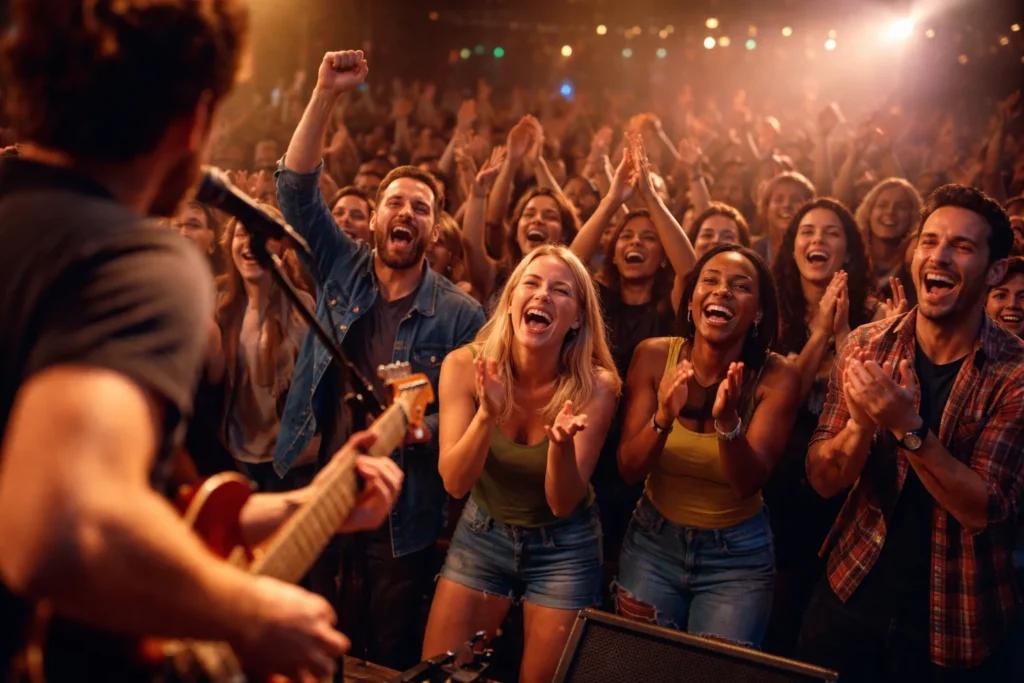
Your performance videos become more convincing if you include genuine audience reactions. These moments help visitors imagine what it feels like to be there.
You can do this by adding crowd clips, attendee testimonials, and notes about booking inquiries, which reinforces that impression and shows real-world demand.
I’ve watched venue owners spend twice as long on performance pages that included audience quotes compared to pages with just raw footage. The difference in engagement time was shocking, honestly.
Mobile Optimisation for Performance Content
Mobile optimisation for performance content means making sure videos load fast and display well on smaller screens. Controls should also be easy to use when the phone is held vertically or horizontally.
This is important because many people view performance videos on their phones. If a venue booker watches your video during a commute and the playback is slow or the video is poorly cropped, you can lose their interest within the first minute.
Sites with properly optimised mobile videos also see 2-3x longer session durations because visitors can watch without buffering interruptions.
Pro Tip: Test your performance pages on at least three different phones before publishing. Use real cellular data instead of WiFi, since most venue bookers will be watching on the move with slower, less stable connections.
Measuring What Works with Your Live Content
Once your performance content is live, your next step is to track how people actually engage with it. After all, you can’t improve your videos if you do not know what is working.
Analytics can show if your visitors watched a full three-minute highlight or leave after just fifteen seconds. That information can help you decide what to keep, change, or remove in future uploads.
For example, if analytics show that acoustic performances bring in twice as many inquiries as full-band videos, you can focus more on recording those. Meanwhile, tracking which videos lead to actual bookings can reveal what venue managers care about most when choosing performers.
What’s more, you should keep an eye on basic metrics like total views, average watch time, and traffic sources for each video. These numbers show if your content is reaching the right audience and keeping their attention long enough to leave a lasting impression.
Create a Powerful Performance Showcase for Your Website
Ready to turn your live performances into powerful website content that keeps visitors engaged and coming back for more? The techniques we’ve covered will give you a clear framework to showcase your work, build trust, and generate inquiries.
You can start by uploading your best performance footage and adding context that helps viewers understand what they’re watching. Then track which videos drive the results you need using analytics.
At No Budget Performance, we design websites that help performers attract more attention online without overspending. Start your project with us today.